Recurring Subscriptions
Track monthly, yearly, and custom billing periods. Never miss a payment with automatic date tracking.
Loading...
Billy helps you organize recurring subscriptions and expenses by category, track one-time payments, visualize spending with charts, and never miss a payment date. Free version works offline with local storage. Pro subscribers get cloud sync across all devices. Take control of your finances.


Scan to download
Scan with your phone camera to download Billy instantly
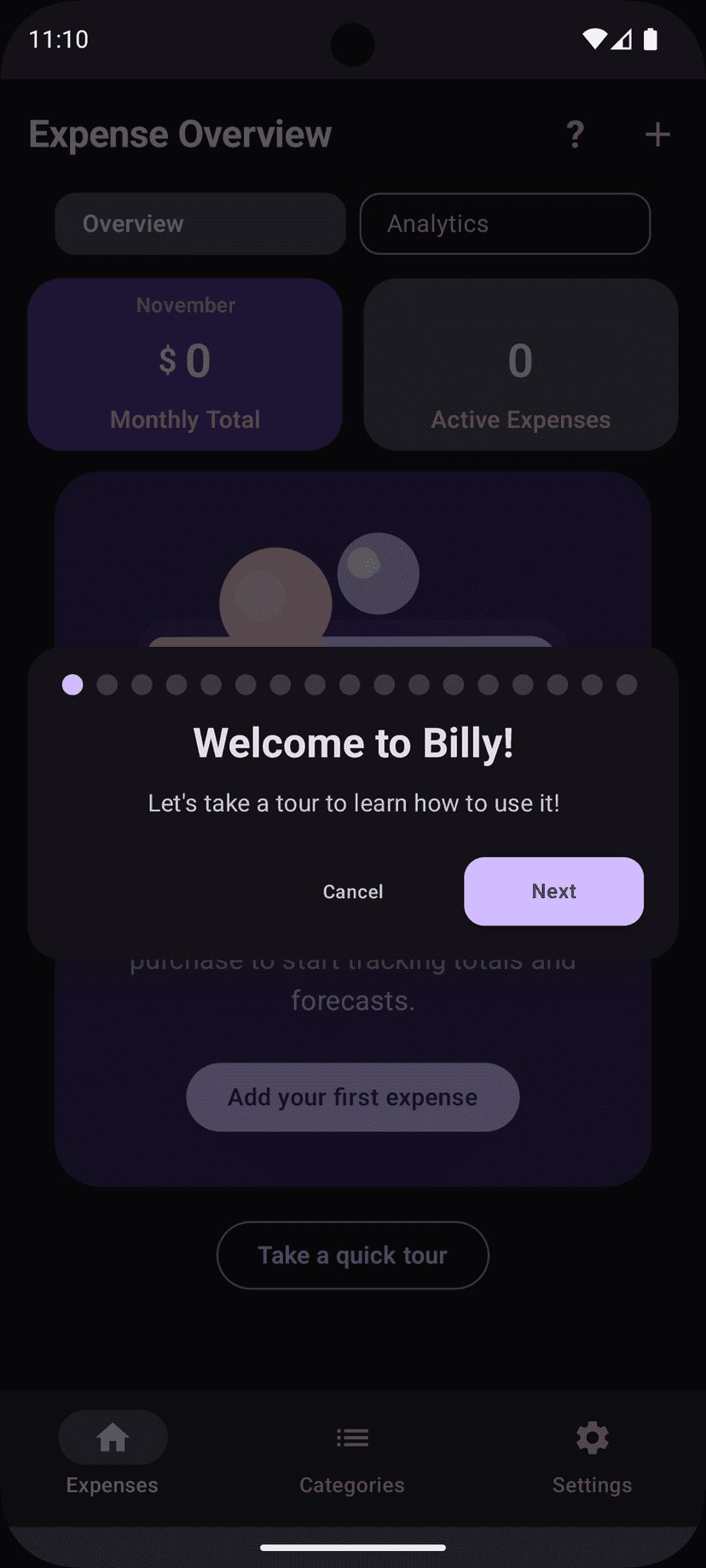
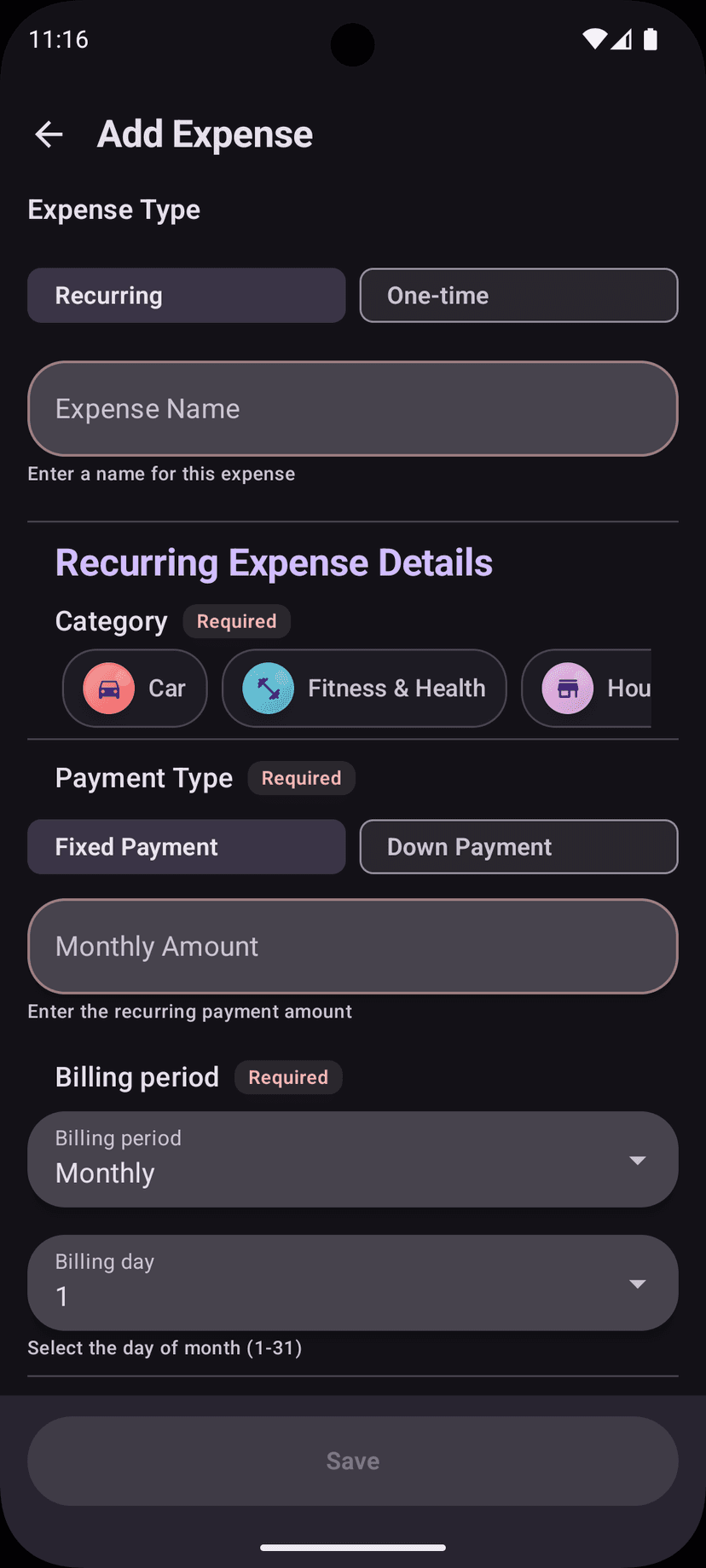
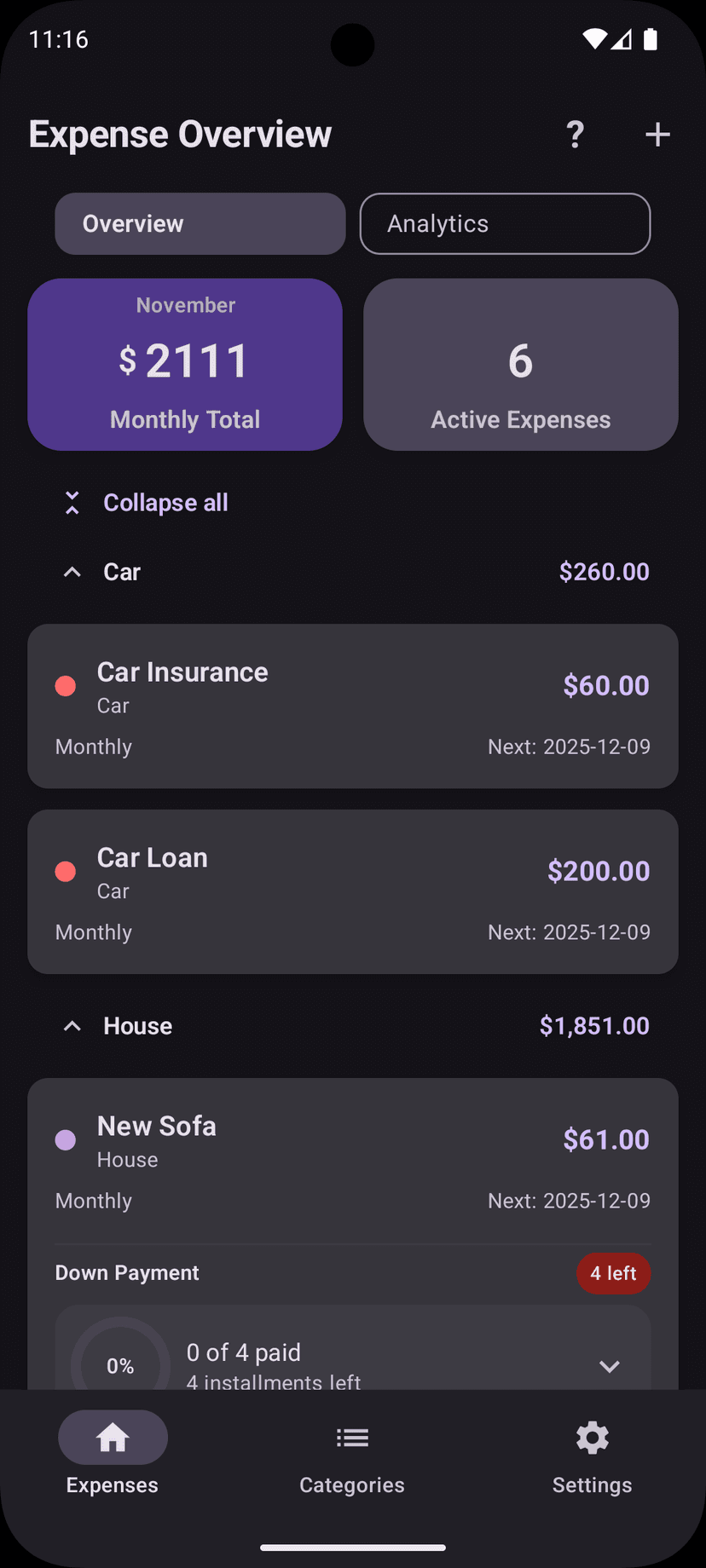
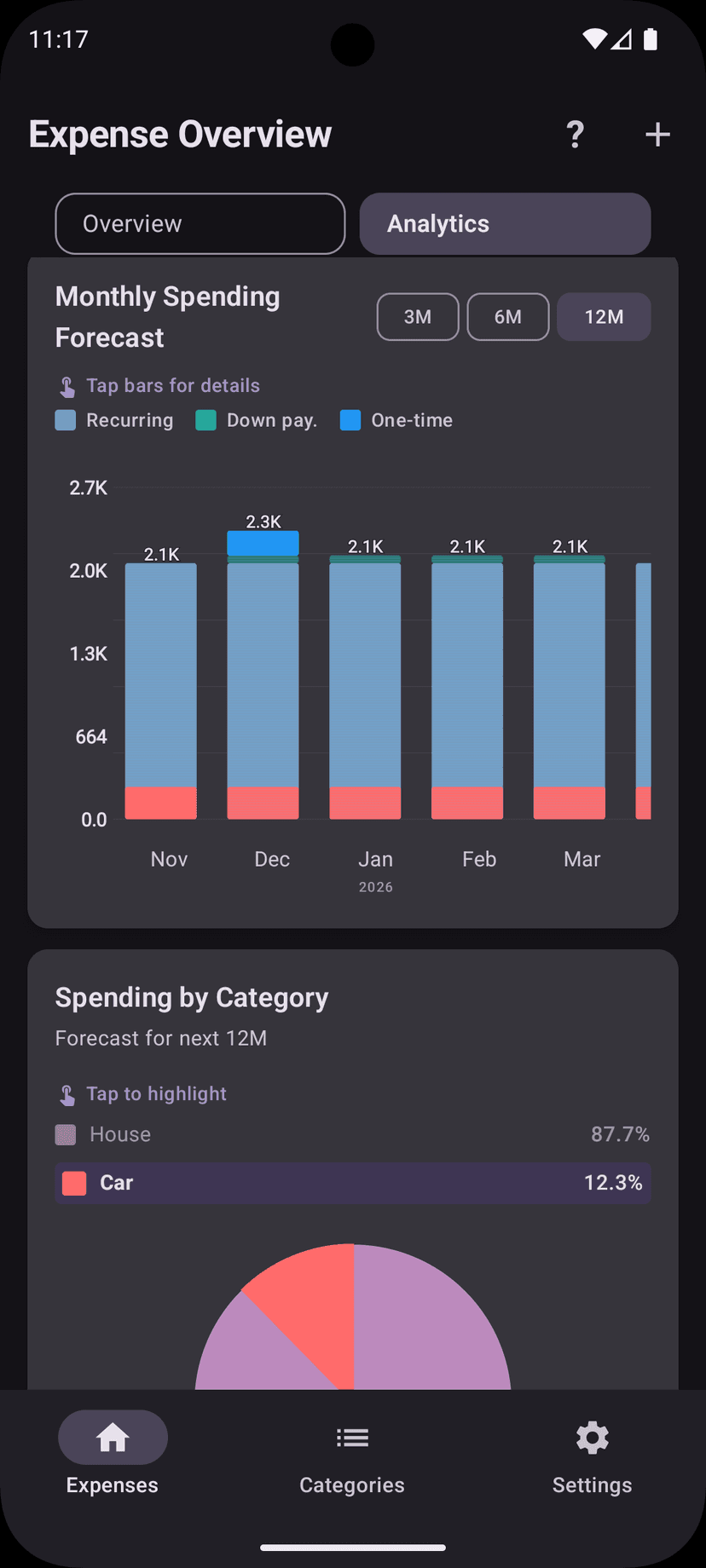
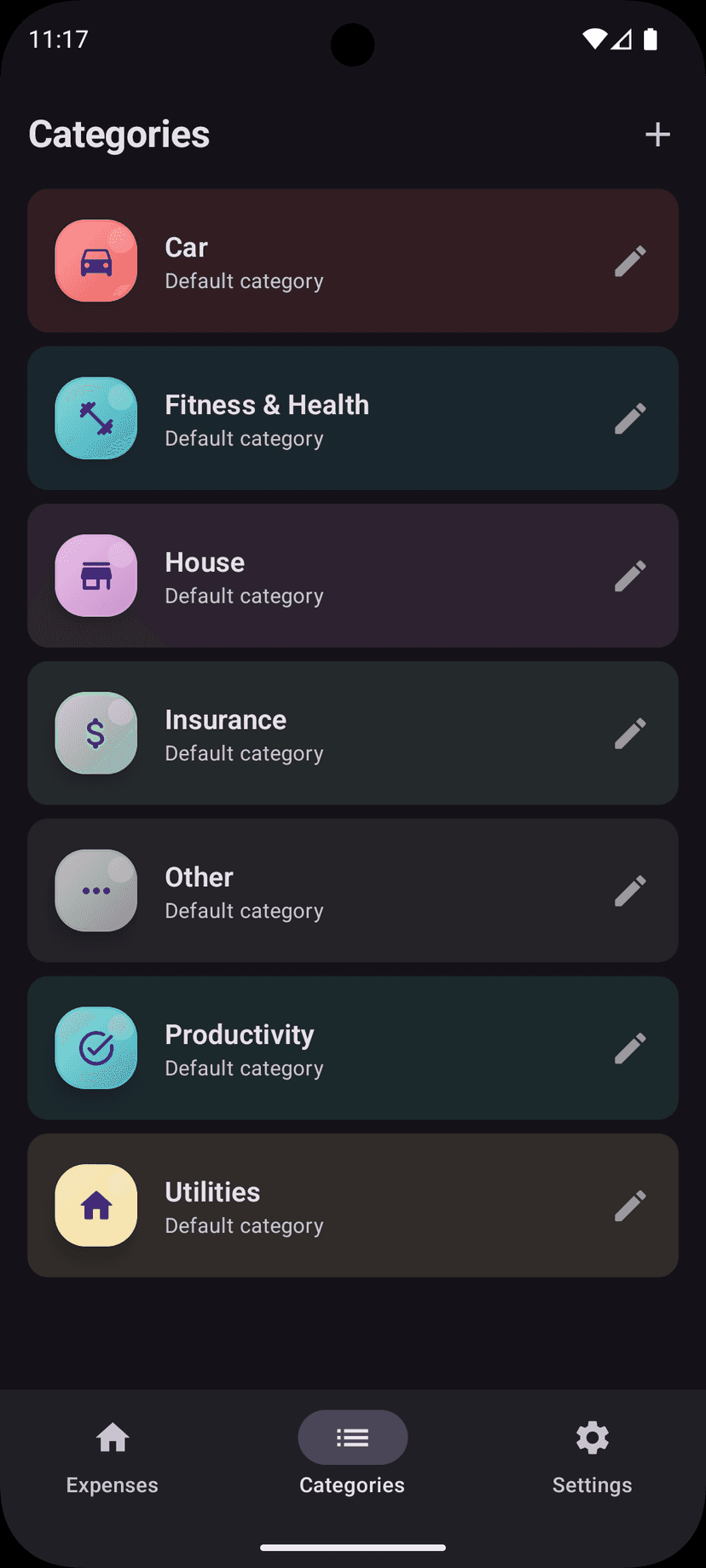
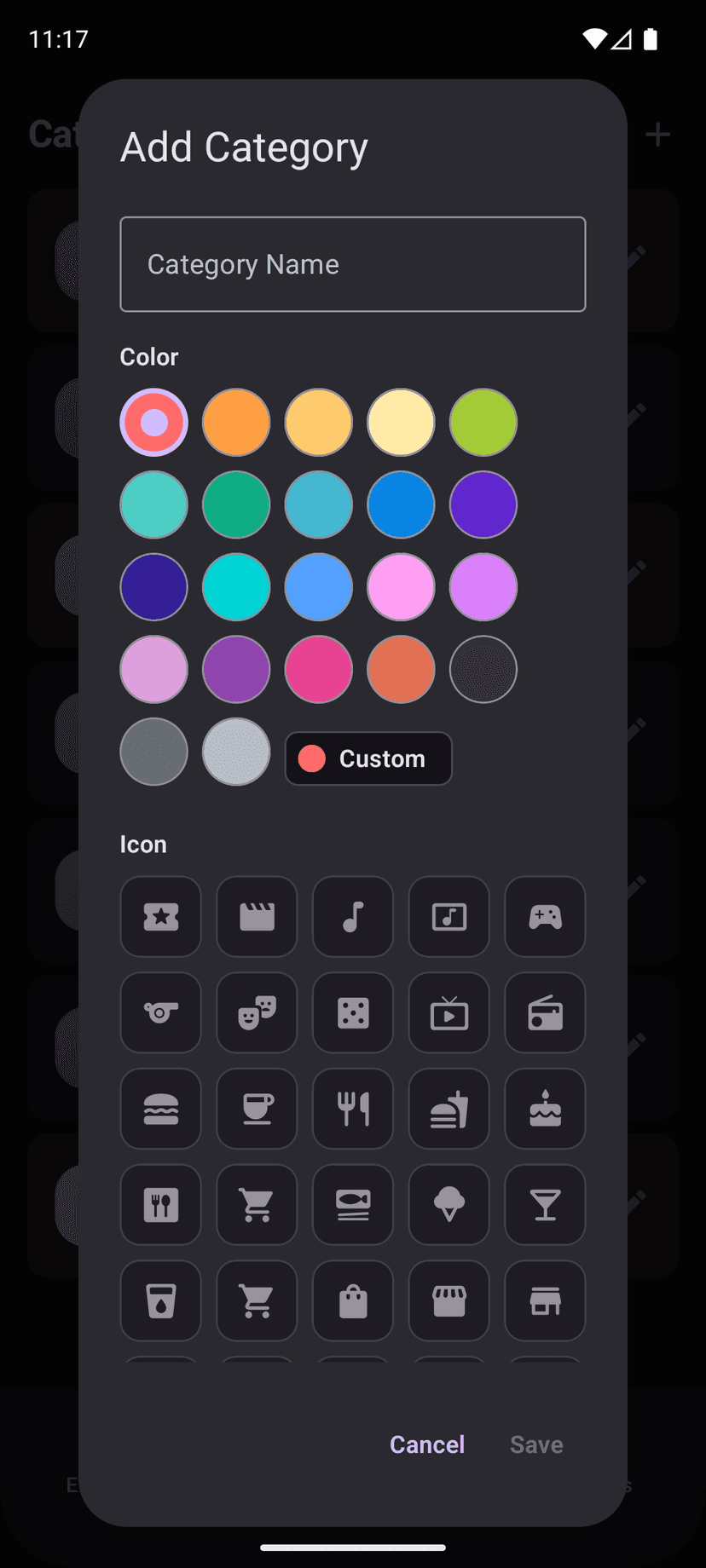
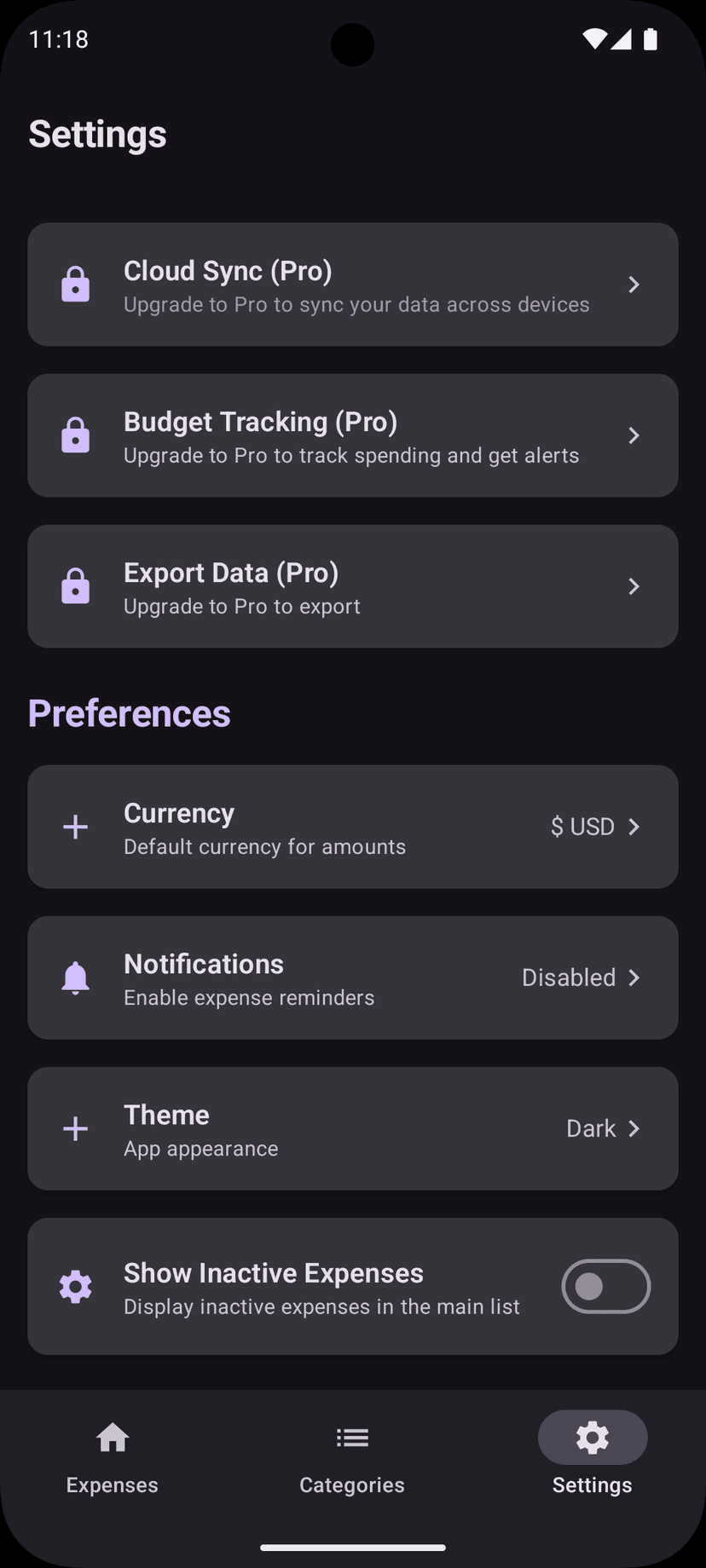
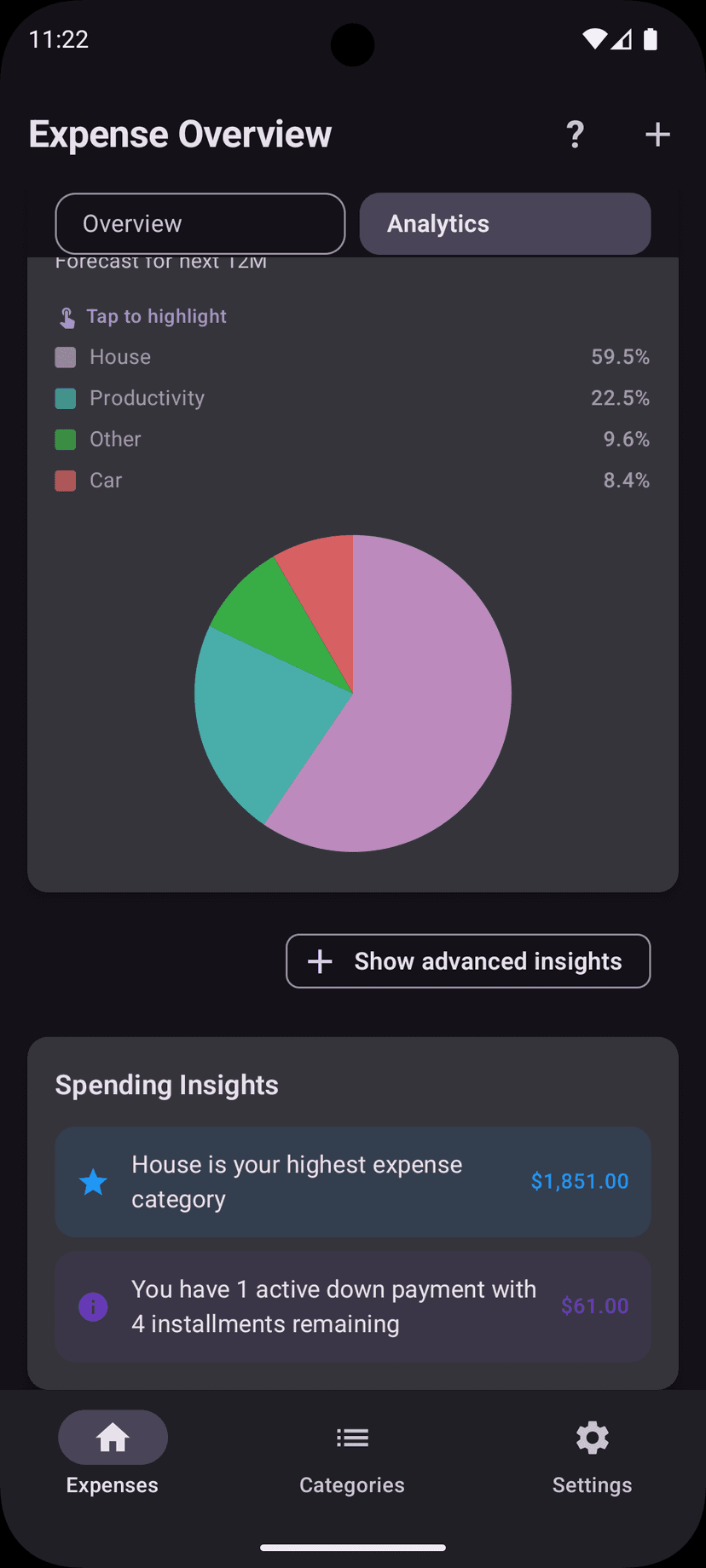
Billy gives you a complete view of your finances with category organization, visual analytics, payment tracking, and one-time expense management. All designed to help you stay on top of your spending.
Track monthly, yearly, and custom billing periods. Never miss a payment with automatic date tracking.
Record purchases, trips, and one-off payments. Group expenses by trip tags for easy tracking.
Attach photos of receipts to your expenses. Keep digital copies of all your purchase records.
Group expenses by trip tags like 'Paris Trip 2024'. See total spending per trip at a glance.
7 predefined categories plus unlimited custom ones. Color-code and organize your spending visually.
Interactive charts show spending trends, category breakdowns, and monthly comparisons.
Filter expenses by category to see spending in specific areas. Visual category indicators make organization easy.
Get notified before bills are due. Never miss a subscription payment or important expense.
Track down payments with monthly installments. Monitor payment progress and remaining balance.
Import expenses from Excel spreadsheets or CSV files. Use our web tool to map columns and scan a QR code to import directly to the app.
Upload a spreadsheet or type expenses manually in your browser. Then scan the QR code or download the file to import into Billy.
From families with young children to freelancers – Billy makes managing finances easier.
Start free and upgrade when you need cloud sync and advanced features. No hidden fees.
Everything you need to track expenses locally
No account required • Works offline
Sync across devices & unlock all features
Try free for 1 month, then $2.99/month
Cancel anytime before trial ends • No charge until trial expires
Ready for more control?
Billy will help you organize recurring expenses by category, track one-time payments, visualize your spending with charts, and never miss a payment date. Download now on Google Play!
Read tips, analyses, and experiences about tracking expenses, organizing finances, and making better spending decisions.
Everything you need to know before getting started with Billy.
Yes! Billy is completely free to download and use with no ads. The free version includes unlimited expense tracking, visual analytics, payment reminders, receipt photos, custom categories, and offline storage. All your data stays on your device. Pro ($2.99/month) adds cloud sync across devices, budget tracking with alerts, and data import/export features.
Billy Pro ($2.99/month) unlocks: Cloud sync to access expenses on multiple devices, budget tracking with spending alerts, import data from Excel/CSV files or via QR code from our web tool, and export your data to CSV for backup. You can upgrade anytime from within the app and cancel anytime via Google Play.
Billy is currently available on Android via Google Play. We're working on bringing Billy to iOS – join the waitlist on our website to be notified when it launches!
Absolutely! Billy works completely offline. Your expense data is stored locally on your device, so you can track expenses anywhere without an internet connection. Pro users can optionally enable cloud sync when online.
Simply add a new expense, select "Recurring", and choose the billing cycle (monthly, yearly, or custom). Billy will automatically track upcoming payments, show you when bills are due, and help you stay on top of your subscriptions.
Yes! Billy includes 7 predefined categories (Entertainment, Food, Shopping, Transport, Health, Home, Other) plus the ability to create unlimited custom categories. You can color-code and add icons for easy visual organization.
Free users: Your data is stored locally on your device, so uninstalling will delete your data – make sure to backup first! Pro subscribers: Your data is automatically synced to the cloud and will be restored when you reinstall and sign in with the same account.
Yes! Pro subscribers can import expenses from Excel or CSV files using our free web tool at billy.larssonsoftware.com/import. Map your columns, preview the data, then scan a QR code to import directly to your phone – no file transfers needed.
Never. Your privacy is our priority. We don't sell, share, or monetize your financial data. Free users' data stays entirely on their device. Pro users' cloud data is encrypted and only accessible by you.
You can cancel your Pro subscription anytime through Google Play Store > Subscriptions > Billy. You'll keep Pro features until the end of your billing period, and your data will remain accessible in free mode (stored locally).